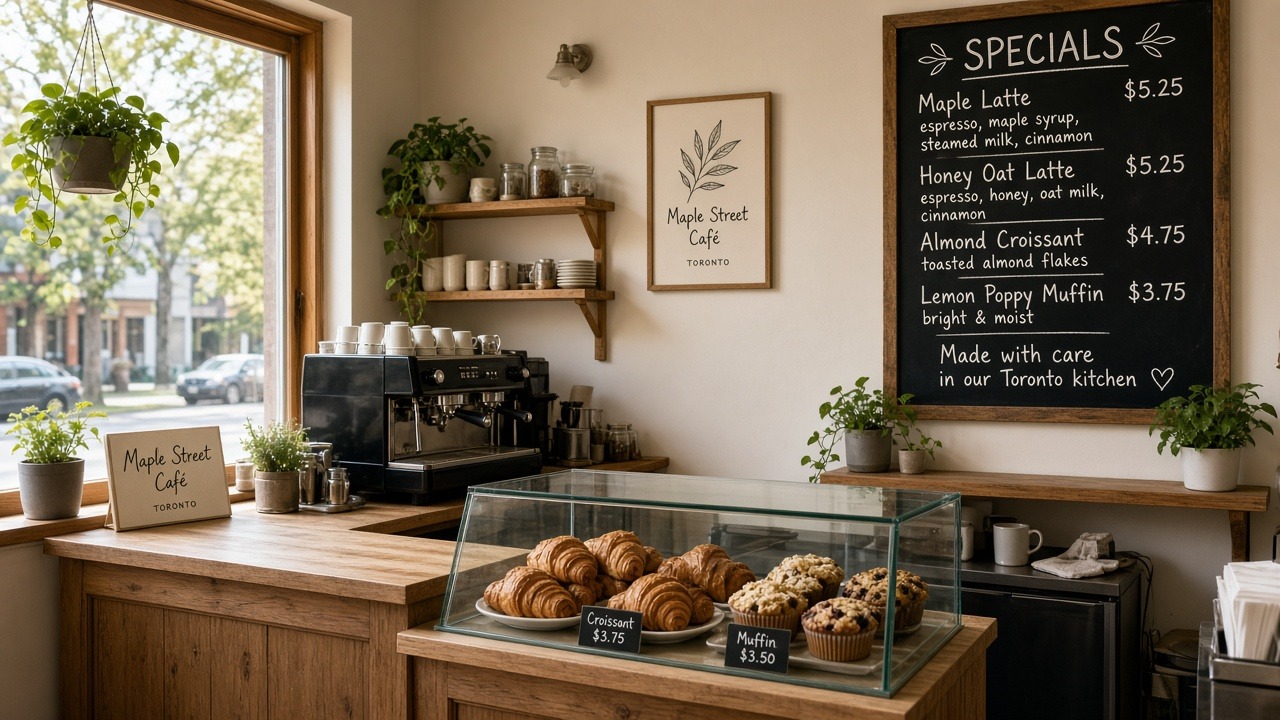
Café & shop
Change the board between rushes
Specials, hours, and “sold out” notes — without calling a web person.
For café, trades, school & clinic operators
Chat updates in plain language. Preview privately. Go public only when you’re ready.
See live examples
Who it’s for
Built for people who run the day — not developers.
Café & shop
Specials, hours, and “sold out” notes — without calling a web person.

Trades & services
Service lists, areas, and seasonal offers when the office is the road.
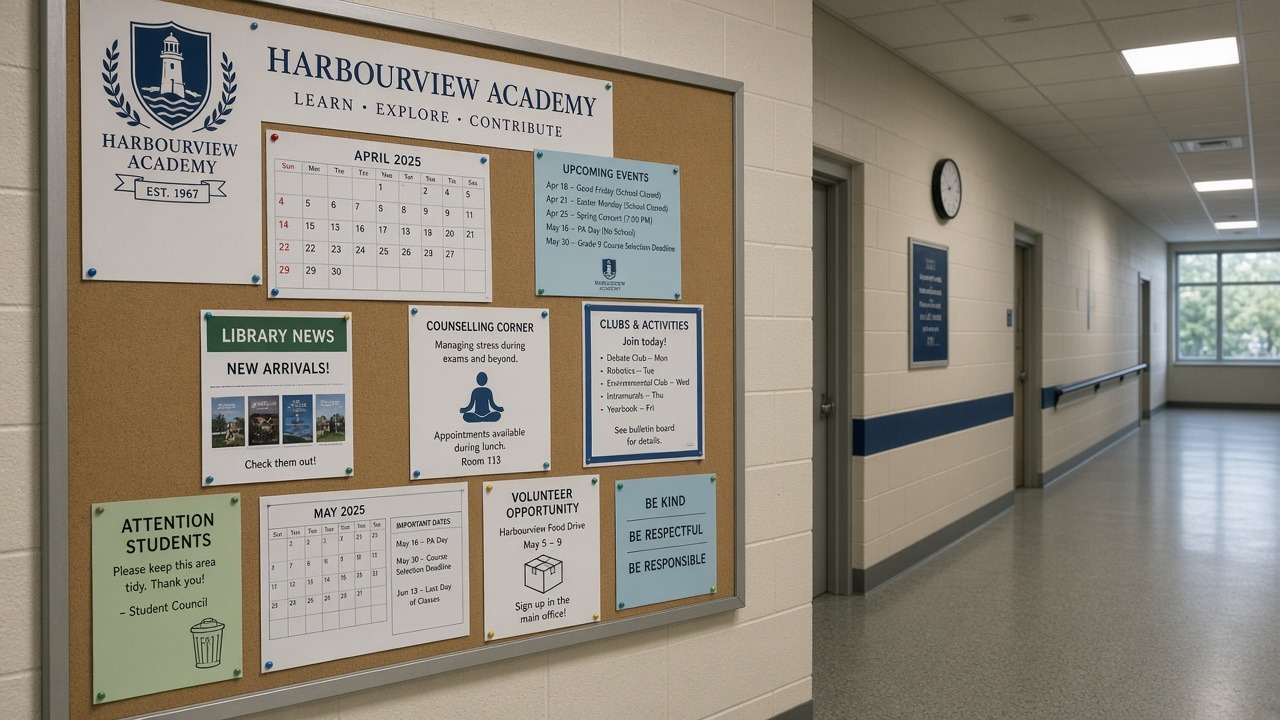
School
Closures, events, and office-hour changes the same morning they happen.
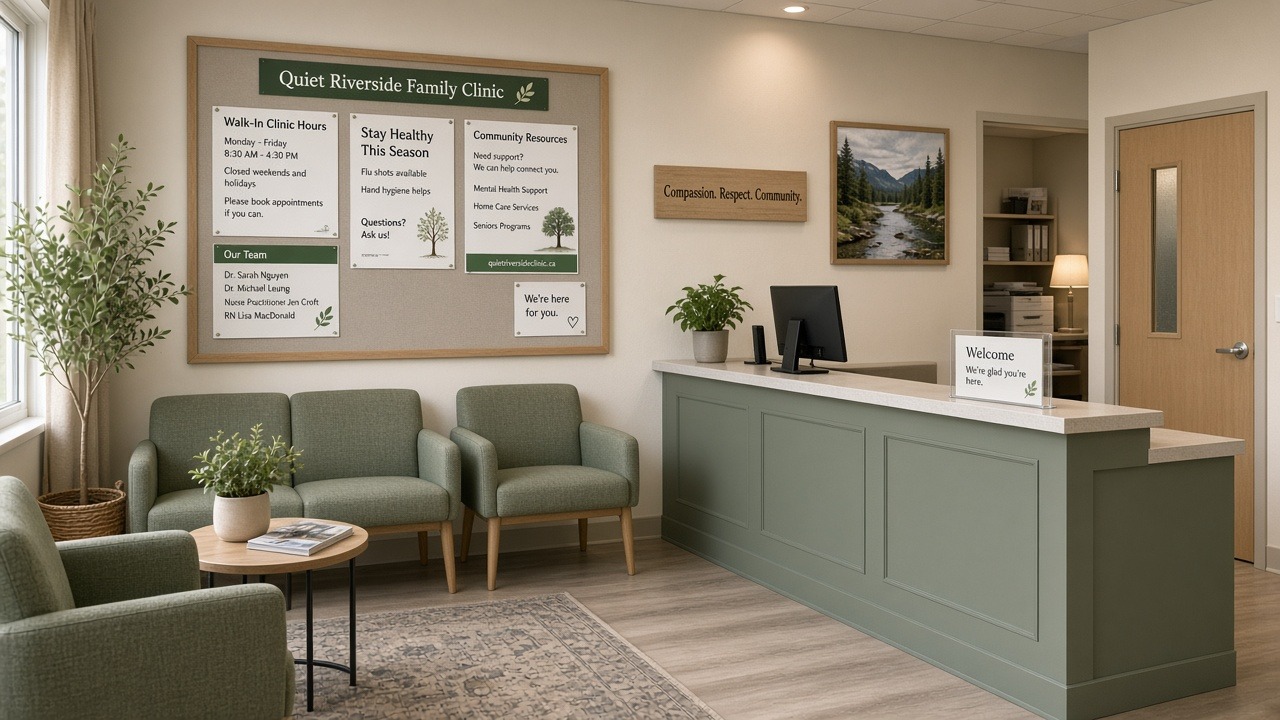
Clinic
Update what patients need to know — preview first, public when ready.
Layouts
Starting points for grooming vans, salons, food trucks, parishes, leagues, and more — each with a calm first draft you can keep current by chatting.
Show, don’t tell
The espresso machine is warm, the special board changed overnight, and the site still says “Closed Mondays.” The owner opens chat:
“We’re open Mondays 7–2 now. Put the pumpkin loaf on the homepage and drop last week’s brunch special.”
A private preview shows the new hours and homepage. She taps Go live — customers see the truth at maple-street-cafe.wagent.ca before the lunch rush.
How it works
Pick a look, describe your place, then chat updates anytime — preview first, public when ready.
Draft & Live
One simple promise per site — not an account Free vs Pro maze.
Free
A private site you can chat with, preview, and share with teammates. Not on the public internet yet.
$19 CAD/month · or $180/year
Customers can open this site. Same calm chat loop, higher monthly cap, your wagent.ca address or your own domain.
FAQ
No. You pick a look, describe your place, and chat in everyday English. If you can text a colleague, you can update the site.
Preview comes first. You always see the draft before the public does. If it’s off, chat again or leave the live site untouched.
Yes. Invite them to that site (not every site on your account) — for example a school secretary on one school site. Seats are unlimited; owners control who can make the site public.
Each public site needs its own Live subscription. Going Live on one site does not unlock another free Draft while you still have a Draft. Start the next site when you’re ready to publish it — or keep one Draft for experiments.
Live covers a public site, real hosting, and enough chat capacity to keep the day-to-day updates flowing. Draft stays free so you can try the loop before customers see anything.
Start free with a private draft. Invite teammates anytime. Make it public when it looks right.
See Privacy.